Best GST Accounting Software in India 2026: Complete Guide for Businesses
Managing GST, invoices, expenses, inventory and business accounts manually can quickly become difficult as a business grows. Excel spreadsheets and traditional bookkeeping may work for a very small operation, but they can become time-consuming when the number of customers, suppliers and transactions increases.
This is where GST accounting software can help.
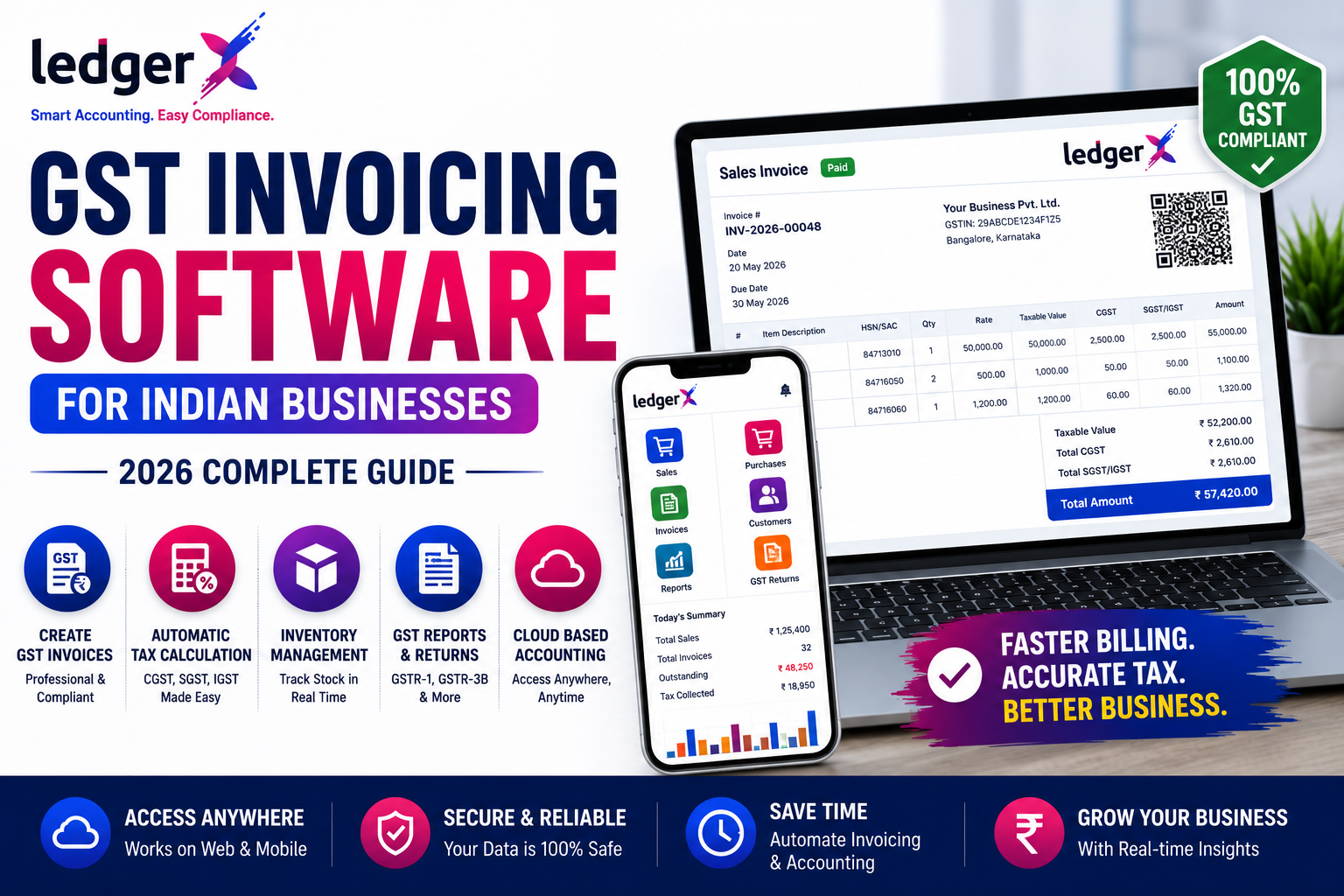
Modern accounting software combines billing, bookkeeping, GST-related records, inventory, expenses and financial reports in one system. For Indian businesses, choosing the right software is particularly important because accounting and GST processes need to work together accurately.
In this guide, we explain what GST accounting software is, the features businesses should look for, who should use it, how to choose the right software and what to consider before switching from an existing accounting system.
What Is GST Accounting Software?
GST accounting software is business accounting software designed to help Indian businesses manage their financial transactions and GST-related accounting requirements.
Depending on the software, it can help businesses manage:
- GST invoices
- Sales
- Purchases
- Expenses
- Customers
- Suppliers
- Inventory
- Payments
- Receipts
- Journal entries
- Financial reports
- Profit & Loss
- Balance Sheet
- Trial Balance
- Tax-related information
Instead of maintaining these records separately, businesses can manage them through a centralized accounting system.
The goal is simple:
Record transactions once and use the information across your business accounts and reports.
Why Do Businesses Need GST Accounting Software?
GST affects many day-to-day business transactions. A business may need to manage GST information while creating invoices, recording purchases, tracking expenses and maintaining accounting records.
Doing everything manually can increase the possibility of:
- Incorrect entries
- Duplicate records
- Missing transactions
- Calculation mistakes
- Difficulty tracking outstanding payments
- Delayed financial reporting
- Time-consuming bookkeeping
Accounting software helps reduce repetitive work by keeping business transactions organized in a structured system.
For small businesses without a dedicated accounting team, this can be particularly useful.
What Should You Look for in GST Accounting Software?
Not every accounting application provides the same features.
Before choosing software, businesses should evaluate the following areas.
1. GST Billing and Invoicing
The software should make it easy to create professional invoices with the required business and tax information.
Look for features such as:
- GST-enabled invoices
- Customer details
- Item details
- Tax calculation
- Invoice numbering
- Payment status
- Invoice history
- Printable and shareable invoices
A good invoicing system should reduce the amount of manual work required for every sale.
2. Sales and Purchase Management
Accounting software should connect sales and purchase transactions with your accounting records.
You should be able to record:
- Sales invoices
- Purchase invoices
- Sales returns
- Purchase returns
- Customer payments
- Supplier payments
This makes it easier to understand how money moves through the business.
3. Inventory Management
For retailers, wholesalers, distributors and manufacturers, accounting alone is not enough.
Inventory management is an important part of the system.
Useful inventory features include:
- Item creation
- Stock tracking
- Purchase tracking
- Sales tracking
- Stock movement
- Closing stock
- Item-wise reports
This helps businesses understand what they have purchased, sold and currently hold.
4. Customer and Supplier Management
Maintaining customer and supplier information inside the accounting system can make daily operations easier.
A good system should allow businesses to maintain:
Customer records
- Name
- Contact details
- GST information
- Transactions
- Outstanding balance
Supplier records
- Supplier information
- Purchase transactions
- Payments
- Outstanding balance
Having this information connected to transactions makes it easier to track business relationships.
5. Expense Management
Businesses have expenses every day.
Examples include:
- Rent
- Salaries
- Electricity
- Transportation
- Advertising
- Office expenses
- Professional services
- Repairs and maintenance
Accounting software should make recording and categorizing expenses straightforward.
This also helps businesses understand where their money is being spent.
6. Financial Reports
Reports are one of the most important parts of accounting software.
A business should be able to quickly access reports such as:
- Profit & Loss
- Balance Sheet
- Trial Balance
- Sales reports
- Purchase reports
- Expense reports
- Receivables
- Payables
- Cash and bank information
- Stock reports
Instead of manually preparing these reports from spreadsheets, the software can generate them from recorded transactions.
7. Cloud-Based Access
Cloud accounting has become increasingly relevant for businesses with owners, accountants or teams working from different locations.
Cloud-based accounting software can allow authorized users to access business information through supported devices without being restricted to a single office computer.
This can be particularly useful for:
- Business owners
- Accountants
- Multiple branches
- Remote teams
- Businesses that travel frequently
Current 2026 accounting software discussions increasingly emphasize cloud access alongside GST, invoicing and reporting capabilities.
8. Data Security and User Access
Accounting data is sensitive business information.
Before choosing software, businesses should consider:
- Data security
- Backup practices
- User access
- Multiple-user support
- Permission controls
- Cloud infrastructure
- Data recovery
The software should provide appropriate controls so that business information is accessible only to authorized users.
GST Accounting Software vs GST Billing Software
These terms are often used interchangeably, but they are not necessarily the same.
GST Billing Software
Primarily focuses on:
- Creating invoices
- GST calculations
- Sales
- Customers
- Basic reports
GST Accounting Software
Usually provides a broader accounting system covering:
- GST billing
- Sales
- Purchases
- Expenses
- Customers
- Suppliers
- Inventory
- Payments
- Receipts
- Journals
- Financial reports
- Accounting records
If your business only needs basic invoicing, GST billing software may be sufficient.
If you want to manage the complete financial side of your business, accounting software is generally the more suitable option.
GST Accounting Software for Small Businesses
Small businesses often have limited staff and resources.
The owner may handle sales, purchases, payments, expenses and customer follow-ups while an accountant manages the books.
For such businesses, accounting software should be:
- Easy to learn
- Fast to use
- Affordable
- Cloud accessible
- GST-ready
- Suitable for everyday transactions
- Capable of generating essential reports
The objective should not simply be to find software with the most features.
Instead, choose software that provides the features your business actually needs without making everyday accounting unnecessarily complicated.
Who Should Use GST Accounting Software?
GST accounting software can be useful for a wide range of Indian businesses.
Retailers
Useful for:
- Daily sales
- GST invoices
- Inventory
- Customer records
- Purchase management
Wholesalers
Useful for:
- Large-volume transactions
- Customer balances
- Supplier management
- Inventory
- Sales and purchase reports
Distributors
Useful for:
- Stock management
- Customer accounts
- Supplier accounts
- Sales tracking
- Financial reporting
Manufacturers
Useful for:
- Purchase records
- Inventory
- Sales
- Expenses
- Financial reports
Service Businesses
Useful for:
- Customer billing
- Expenses
- Receivables
- Payments
- Profit tracking
Startups and MSMEs
Useful for businesses that want to establish organized digital accounting from the beginning.
Free vs Paid GST Accounting Software
One of the first questions many small businesses ask is:
"Can I use GST accounting software for free?"
The answer depends on the software and the features included in its free plan.
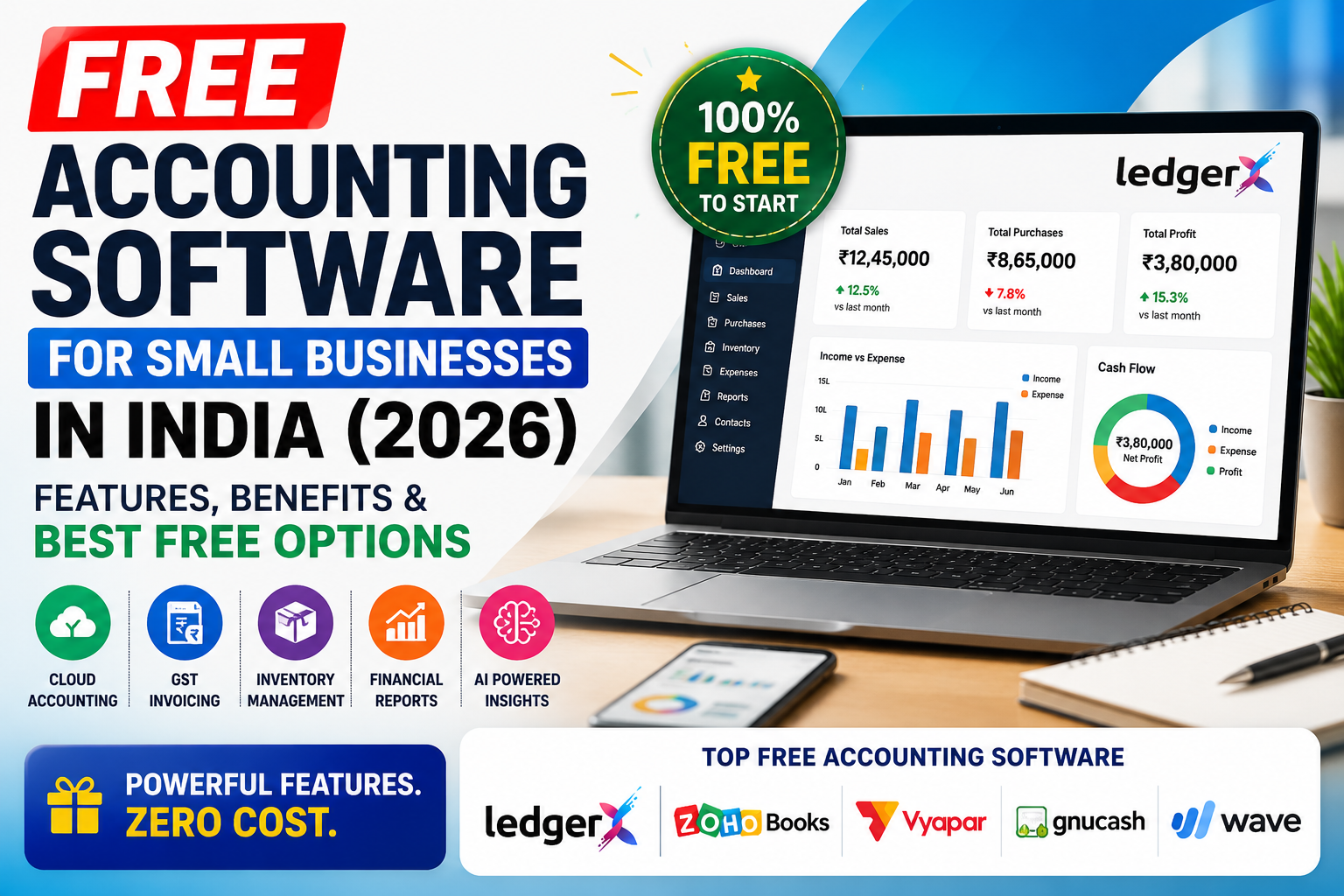
Free accounting software can be attractive for:
- Startups
- Freelancers
- Small businesses
- New businesses
- Businesses with limited transaction volumes
However, businesses should check exactly what is included.
Compare:
| Feature | What to Check |
|---|---|
| GST invoicing | Included or limited? |
| Customers | Number of customers allowed |
| Suppliers | Included? |
| Inventory | Available? |
| Reports | Which reports are included? |
| Users | Single-user or multi-user? |
| Cloud access | Available? |
| Data storage | Limits? |
| Support | Included or paid? |
| Data export | Available? |
A "free" accounting product is only useful if its free features actually match your business requirements.
What About E-Invoicing and E-Way Bills?
GST technology and API infrastructure continue to evolve.
GSTN has recently published advisories concerning changes to the e-Invoice and e-Way Bill APIs, including changes affecting system integrations and ERP/software providers.
This means businesses should not evaluate accounting software only by asking:
"Can it create a GST invoice?"
They should also consider whether the software's GST-related capabilities are appropriate for their business size, transaction volume and compliance requirements.
If your business requires e-invoicing or e-way bill functionality, verify the software's current capabilities and supported integrations before switching.
How to Choose the Best GST Accounting Software in India
Use this checklist before selecting software.
Step 1: Understand Your Business
Identify:
- Business type
- Number of users
- Number of transactions
- Number of customers
- Number of suppliers
- Inventory requirements
- GST requirements
Step 2: List Your Required Features
For example:
- GST invoicing
- Inventory
- Purchase management
- Expense management
- Customer management
- Supplier management
- Reports
- Cloud access
- Multi-user access
Step 3: Compare Software
Compare several options based on:
- Features
- Ease of use
- Pricing
- Cloud access
- Data security
- Support
- Migration options
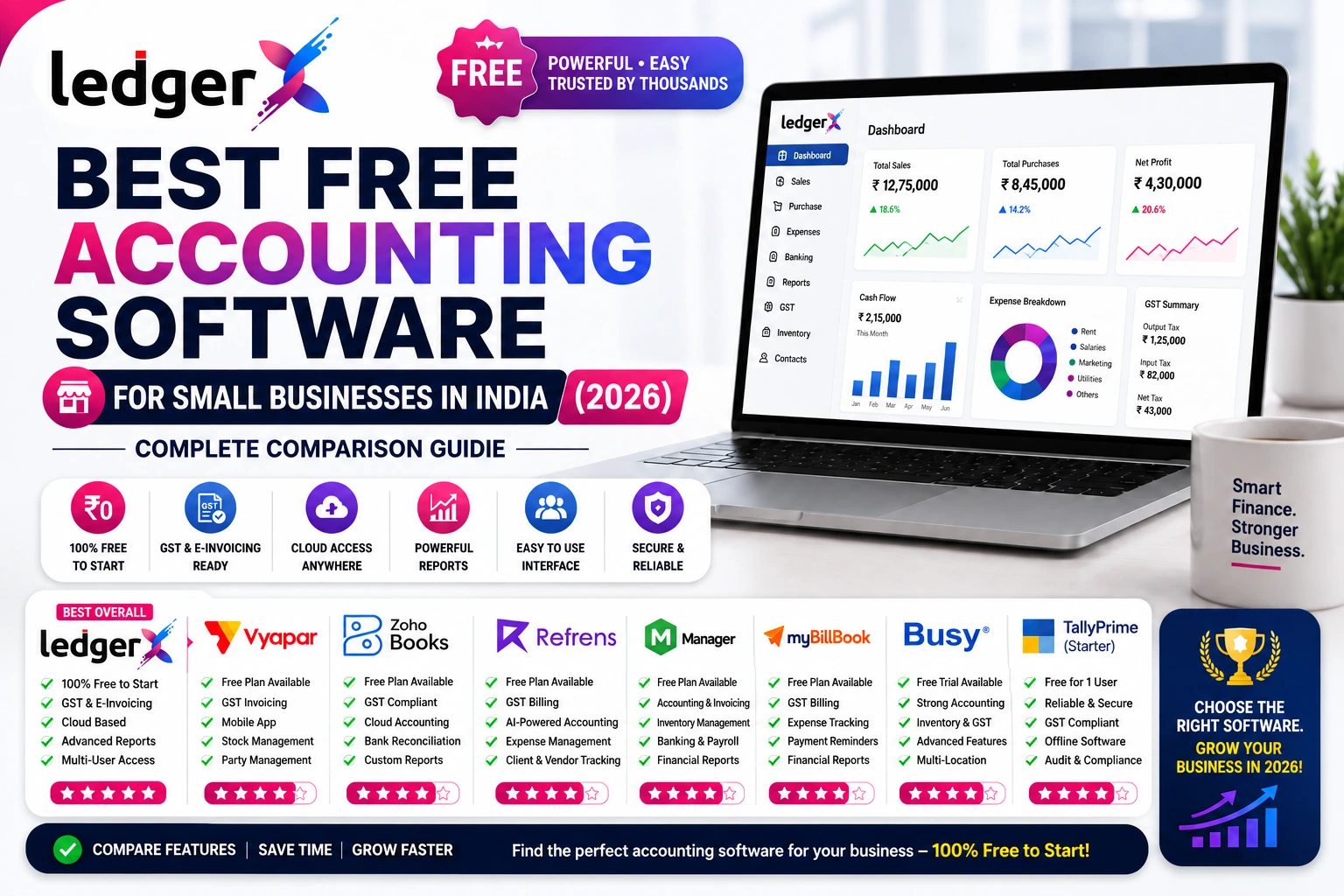
Current Indian accounting-software comparisons commonly include products such as TallyPrime, Zoho Books, BUSY, Marg and Vyapar, reflecting the competitive landscape businesses are evaluating in 2026.
Step 4: Test Before Switching
Before migrating your complete accounting data, test the software with your actual business workflow.
Check:
- Invoice creation
- Purchase entry
- Customer management
- Supplier management
- Inventory
- Reports
- GST-related workflows
- Data import
Step 5: Check Migration Options
If you already use accounting software or Excel, migration is important.
Look for the ability to import:
- Accounts
- Customers
- Suppliers
- Items
- Opening balances
- Relevant business data
A smooth migration can significantly reduce the effort required to switch systems.
LedgerX as an Accounting Software Option
LedgerX is a cloud-based accounting solution designed for Indian businesses.
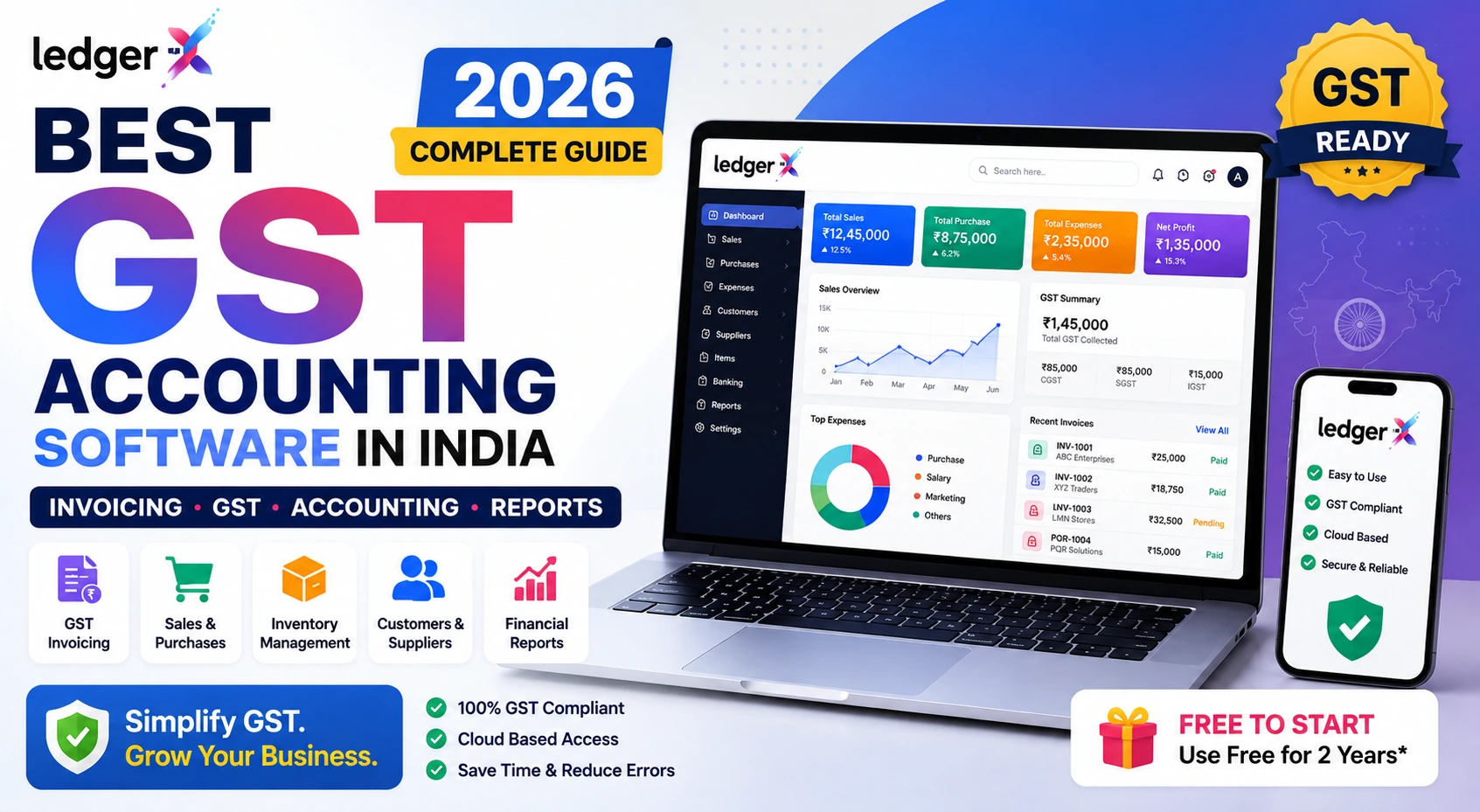
It brings several business accounting functions together, including:
- GST invoicing
- Sales management
- Purchase management
- Expense management
- Inventory
- Customer management
- Supplier management
- Receipts
- Payments
- Journal entries
- Financial reports
- Profit & Loss
- Balance Sheet
- Trial Balance
- AI-powered insights
For businesses moving from spreadsheets or another accounting system, LedgerX also provides data-import capabilities for Accounts, Customers, Suppliers and Items, helping businesses reduce manual data entry during migration.
Businesses can evaluate LedgerX alongside other accounting solutions based on their specific requirements.
Why Cloud Accounting Is Becoming More Important
Traditional accounting often depends heavily on one computer, one office or one person.
Cloud-based accounting changes this workflow.
With cloud accounting, businesses can potentially access their accounting information from different locations and supported devices.
This is useful when:
- Owners travel
- Accountants work remotely
- Multiple people need access
- Businesses have multiple locations
- Management wants quick access to reports
The broader accounting software market is also moving toward cloud access, automation and integrated business management.
10 Questions to Ask Before Choosing Accounting Software
Before making your decision, ask:
- Does it support GST invoicing?
- Can I manage customers and suppliers?
- Does it include inventory management?
- Can I record expenses?
- Does it provide Profit & Loss and Balance Sheet reports?
- Can multiple users access the system?
- Is the software cloud-based?
- Can I import my existing accounting data?
- Is my business data securely stored?
- Can the software scale as my business grows?
If the answer to most of these questions is yes, the software may be suitable for your business.
Final Thoughts
The best GST accounting software is not necessarily the software with the longest feature list.
The right choice depends on your business size, industry, transaction volume, GST requirements, inventory needs, number of users and budget.
For a small business, the ideal solution should make accounting simpler rather than more complicated.
Look for software that combines GST invoicing, accounting, inventory, expenses, customer and supplier management and financial reporting in one place.
And if you are moving from Excel or another accounting system, don't overlook data migration. A smooth transition can save significant time and reduce manual entry.
For businesses evaluating accounting software in 2026, GST functionality, cloud access, reporting, migration capabilities and readiness for evolving GST technology should all be part of the decision.
FAQ Section
What is the best GST accounting software in India?
The best GST accounting software depends on the business's requirements. Businesses should compare GST invoicing, accounting, inventory, reporting, cloud access, pricing, migration and support before choosing a solution.
Is GST accounting software useful for small businesses?
Yes. Small businesses can use GST accounting software to manage invoicing, sales, purchases, expenses, customers, suppliers, inventory and financial reports in a more organized way.
What is the difference between GST billing software and accounting software?
GST billing software generally focuses on creating GST invoices and managing sales, while accounting software provides a broader system for sales, purchases, expenses, payments, inventory and financial reporting.
Can accounting software replace Excel?
For many businesses, accounting software can replace spreadsheets used for routine bookkeeping, invoicing and reporting. However, businesses should choose software that supports their specific accounting workflow.
Can I migrate from Excel to accounting software?
Many accounting platforms provide import functionality for business data. Before switching, check exactly which data can be imported and whether opening balances and historical records can be transferred.
Is cloud accounting software better than desktop accounting software?
It depends on the business. Cloud accounting can be particularly useful for businesses that need access from multiple locations or devices, while businesses with specific offline or infrastructure requirements may prefer other approaches.
Is free accounting software suitable for small businesses?
It can be, provided the free plan includes the features and transaction capacity the business needs. Always check user limits, storage, reports, GST features and other restrictions before choosing a free plan.