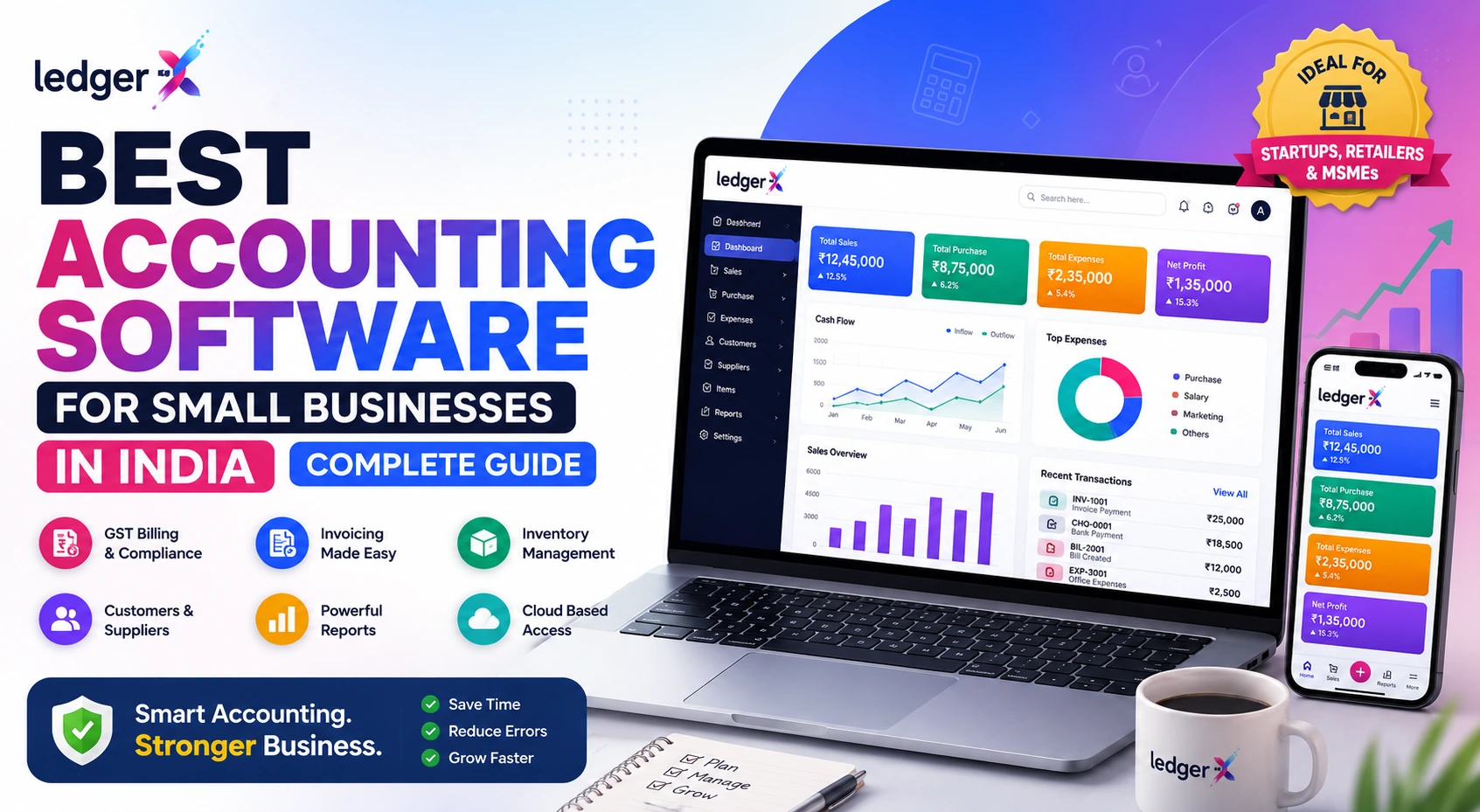
Best Accounting Software for Small Businesses in India: Complete Guide
Running a small business involves much more than selling products or providing services. Business owners need to manage sales, purchases, expenses, invoices, GST, inventory, customer payments, supplier dues and financial reports.
Managing all of this manually through notebooks or spreadsheets can become difficult as the business grows. Accounting software can bring these activities together in one system, helping businesses maintain organized financial records and get a clearer view of their finances.
But with many accounting software options available in India, how do you choose the right one?
This guide explains the key features to look for in accounting software for small businesses, the benefits of cloud accounting, and why a solution such as LedgerX can be suitable for startups, retailers, wholesalers, service businesses and growing MSMEs.
What Is Accounting Software for Small Businesses?
Accounting software is a digital system used to record, organize and manage a business's financial transactions.
Instead of maintaining separate spreadsheets for sales, purchases, expenses and accounts, businesses can manage these activities through a centralized accounting platform.
Modern accounting software can help businesses manage:
- Sales and invoices
- Purchases
- Expenses
- Customers
- Suppliers
- Payments and receipts
- Inventory
- GST
- Ledgers
- Profit & Loss
- Balance Sheet
- Cash flow
- Financial reports
Cloud-based solutions also allow business owners and teams to access their financial information from different devices without depending on a single computer.
Why Small Businesses Need Accounting Software
Many small businesses start with basic bookkeeping methods such as notebooks or Excel. These methods can work when transaction volumes are low, but they can become difficult to maintain as the business grows.
Accounting software can help solve several common problems.
1. Reduce Manual Bookkeeping
Instead of maintaining multiple spreadsheets and manually calculating balances, accounting software can organize transactions and generate reports automatically.
2. Keep Financial Records Organized
Sales, purchases, expenses, customer accounts and supplier accounts can be maintained in one place.
3. Simplify GST Accounting
For GST-registered businesses, accounting software can help with GST invoices, tax calculations and GST-related reports. LedgerX currently supports GST invoicing and GST reports including GSTR-1 and GSTR-3B workflows.
4. Track Business Performance
Reports such as Profit & Loss and Balance Sheet can help business owners understand their financial position.
5. Monitor Receivables and Payables
Businesses can keep track of outstanding customer payments and supplier dues rather than relying on manual follow-ups.
6. Access Business Information Online
Cloud accounting allows business owners to access accounting information from different locations and devices.
What Should You Look for in Accounting Software?
Choosing accounting software based only on price can be a mistake. The software should match your business requirements and be capable of supporting your business as it grows.
Here are some important features to consider.
1. Invoicing and Billing
The software should make it easy to create professional invoices and manage sales transactions.
For Indian businesses, GST invoicing is particularly important.
Look for features such as:
- GST invoices
- Tax calculation
- Invoice customization
- Sales tracking
- Payment tracking
- E-invoice support
- E-way bill support
LedgerX supports GST billing, e-invoice and e-way bill functionality for Indian businesses.
2. Expense Management
Businesses need to know where their money is going.
Good accounting software should allow you to record and categorize expenses so you can monitor operating costs and understand profitability.
LedgerX provides accounting and expense-management capabilities alongside its financial reporting tools.
3. Customer and Supplier Management
Managing customers and suppliers separately through spreadsheets can become difficult.
Accounting software should allow you to maintain:
- Customer accounts
- Supplier accounts
- Outstanding balances
- Receivables
- Payables
- Transaction history
This gives business owners a clearer picture of who owes money to the business and whom the business needs to pay.
4. Inventory Management
For retailers, wholesalers, distributors and manufacturers, accounting software should ideally connect financial transactions with inventory.
Useful inventory capabilities include:
- Item management
- Stock tracking
- Purchase management
- Sales management
- Stock valuation
- Inventory reports
LedgerX includes inventory management and closing-stock valuation as part of its accounting platform.
5. GST Accounting and Compliance
GST is an important consideration when selecting accounting software in India.
A suitable solution should help businesses manage GST-related transactions and reports without requiring extensive manual calculations.
Depending on the business and applicable requirements, useful capabilities can include:
- GST invoices
- GST tax calculations
- Sales registers
- Purchase registers
- GSTR-1
- GSTR-3B
- CMP-08
- E-invoice
- E-way bill
LedgerX provides GST billing and GST reporting capabilities designed for Indian businesses.
Note: Businesses should verify their specific GST compliance and filing requirements with a qualified tax professional.
6. Profit & Loss and Balance Sheet Reports
Accounting software should not simply record transactions. It should help you understand what those transactions mean for your business.
Important financial reports include:
- Profit & Loss Statement
- Balance Sheet
- Cash Flow
- Ledger reports
- Outstanding reports
- Sales reports
- Purchase reports
- GST reports
- Inventory reports
LedgerX provides financial reporting tools that allow businesses to review accounting and business information through its reporting system.
7. Cloud Access
Cloud accounting is particularly useful for modern small businesses.
Instead of restricting accounting information to one computer, cloud-based software allows authorized users to access business data online.
Benefits can include:
- Access from different locations
- Easier collaboration
- Centralized data
- Automatic updates
- Reduced dependence on one computer
- Real-time access to business information
LedgerX is designed as a cloud-based accounting platform that can be accessed online.
8. Multi-User Access
If more than one person manages the business, accounting software should provide appropriate user access controls.
For example:
- Business owner
- Accountant
- Sales staff
- Purchase team
- Finance team
LedgerX includes multi-user access and role-based access controls for business teams.
9. Data Import
Switching accounting software can be difficult when a business already has years of customer, supplier, inventory and accounting data.
A useful migration feature allows businesses to import existing information instead of entering everything manually.
LedgerX supports importing customers, suppliers, inventory and accounting data from Excel or other accounting software.
This can make switching from spreadsheets or another accounting system considerably easier.
What Is the Best Accounting Software for a Small Business?
There is no single accounting software that is automatically the best choice for every business.
The right solution depends on:
- Business size
- Industry
- Number of transactions
- GST requirements
- Inventory requirements
- Number of users
- Reporting requirements
- Budget
- Cloud requirements
- Future growth
A small retail shop may prioritize billing and inventory, while a service business may care more about invoicing, expenses and financial reports.
A startup may prioritize affordability and ease of use, while a growing company may need multi-user access, automation and advanced reporting.
LedgerX for Small Businesses in India
LedgerX is a cloud-based accounting software designed for Indian businesses, with accounting, GST billing, invoicing, inventory, reporting and AI-powered business insights in one platform.
It is designed for businesses including:
- Small and medium businesses
- Startups
- Retailers
- Wholesalers
- Distributors
- Manufacturers
- Service businesses
- Freelancers and consultants
- Accountants
LedgerX's current feature set includes GST billing, inventory management, financial reports, e-invoice and e-way bill capabilities, AI-powered insights, multi-user access and data import.
Key LedgerX Features for Small Businesses
GST-Ready Accounting
Manage GST invoices, GST-related transactions and reports from one platform.
Online Invoicing
Create and manage invoices without relying on manual paperwork.
Sales & Purchase Management
Record sales and purchases while maintaining organized accounting records.
Expense Management
Track business expenses and understand where money is being spent.
Inventory Management
Manage items and stock alongside your accounting activities.
Financial Reports
Access Profit & Loss, Balance Sheet, cash flow, ledger, outstanding and other business reports.
AI-Powered Insights
LedgerX provides AI-powered insights designed to help businesses analyze sales, expenses, cash flow and profitability.
Cloud-Based Access
Access your accounting data online instead of depending entirely on a single desktop system.
Multi-User Access
Collaborate with accountants and team members using user access controls.
Data Import
Import existing business data from Excel or other accounting systems to simplify migration.
Who Should Use LedgerX?
Startups
Startups need to control costs while establishing proper financial processes.
LedgerX can help startups manage accounting, GST, invoices and reports from the beginning.
Retail Businesses
Retailers can manage sales, purchases, inventory, customers and accounting from one platform.
Wholesalers and Distributors
Businesses handling large numbers of customers, suppliers and inventory items can use centralized accounting and reporting.
Service Businesses
Service providers can manage invoices, expenses, customers, payments and financial reports.
Manufacturers
Manufacturers can use accounting and inventory capabilities to maintain financial records alongside business operations.
Accountants
Accountants can use multi-user and reporting capabilities to manage accounting activities for businesses and clients.
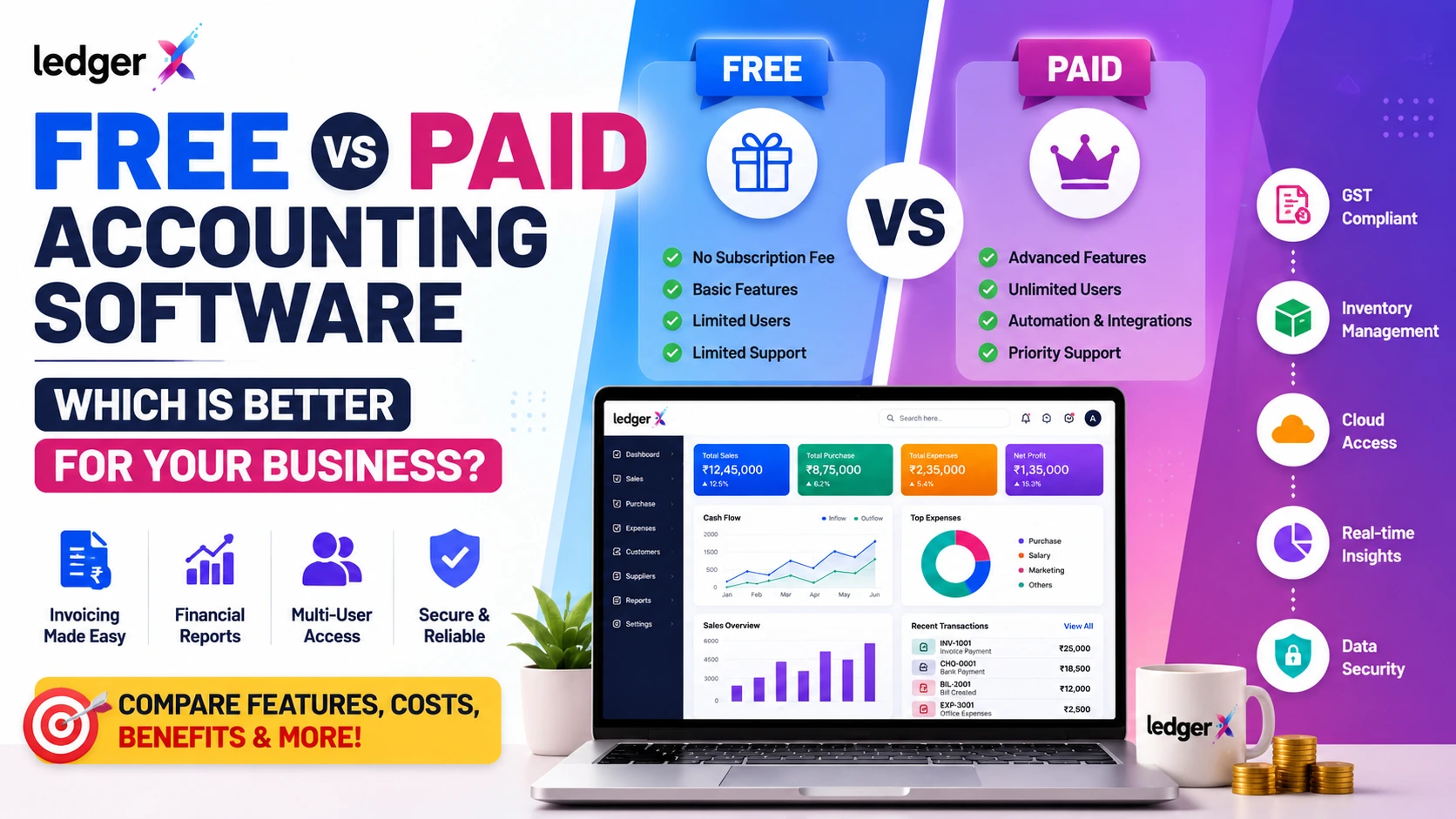
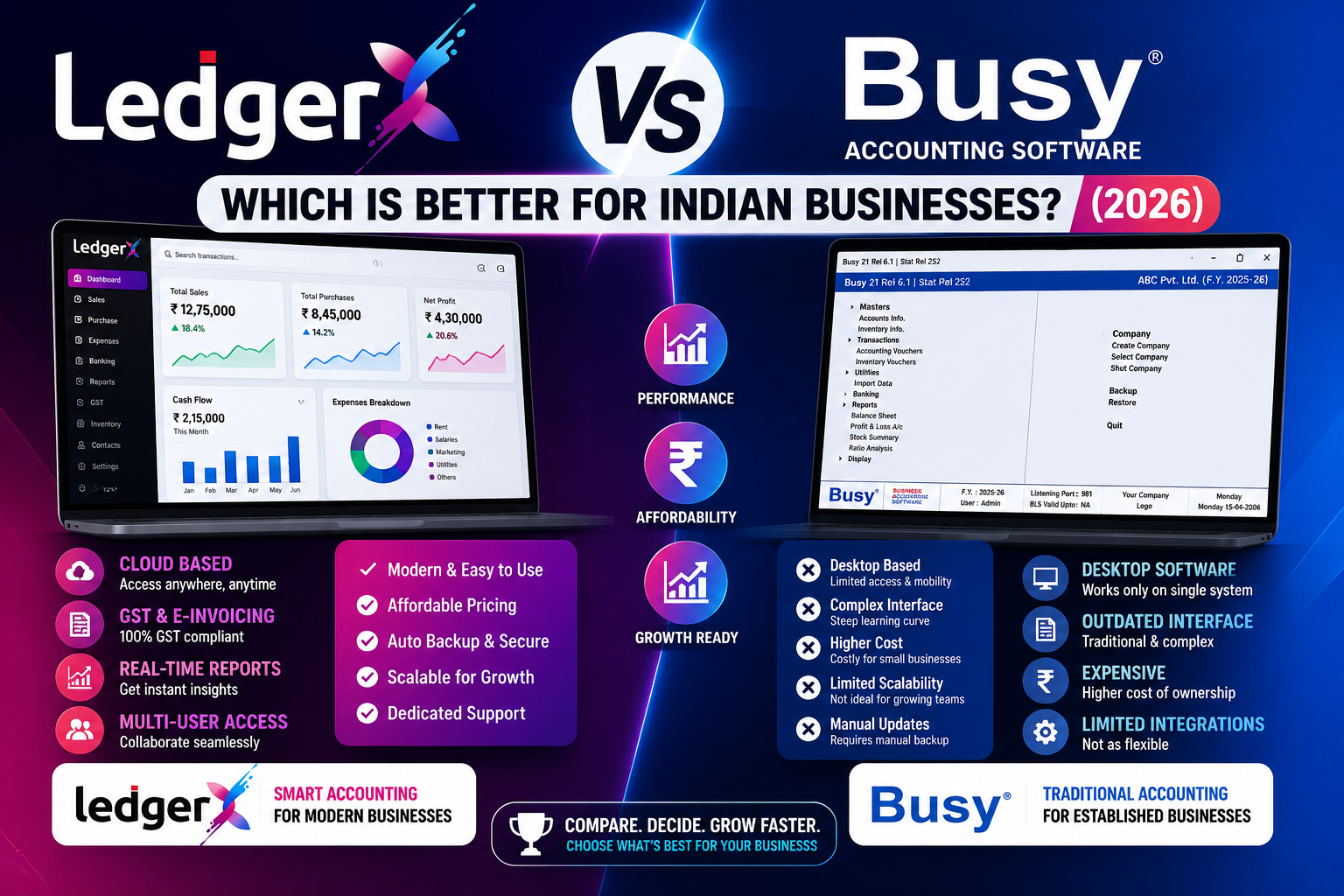
Cloud Accounting vs Traditional Desktop Accounting
| Feature | Cloud Accounting | Traditional Desktop Accounting |
|---|---|---|
| Access | Online from supported devices | Usually tied to installed systems |
| Updates | Generally handled centrally | Often requires updates |
| Collaboration | Easier for multiple users | Can be more limited |
| Data access | Available online | Primarily from installed system |
| Maintenance | Lower local maintenance | Local installation/maintenance |
| Remote work | Easier | May require additional setup |
Cloud accounting can be particularly useful for business owners who want access to financial information while working from different locations.
How to Choose the Right Accounting Software
Before selecting accounting software, ask these questions:
Does it support my business type?
Retail, wholesale, manufacturing and service businesses can have different accounting requirements.
Does it support GST?
If your business is GST-registered, check the GST features carefully.
Can I manage inventory?
If you sell physical products, inventory management can be essential.
Can multiple people use it?
Consider whether your accountant, employees or business partners need access.
Can I access it online?
Cloud access can be useful if you work from different locations.
Can I import my existing data?
This becomes particularly important when moving from Excel or another accounting platform.
Does it provide useful reports?
Look for Profit & Loss, Balance Sheet, cash flow, outstanding and other relevant reports.
Can it scale with my business?
Your accounting software should ideally support your business as transaction volumes and team size increase.
Common Mistakes When Choosing Accounting Software
Choosing Only Based on Price
The cheapest software is not necessarily the best fit.
Ignoring GST Requirements
Indian businesses should carefully evaluate GST functionality before choosing an accounting platform.
Choosing Software That Is Too Complex
Small businesses may not need unnecessary complexity.
Ignoring Data Migration
Switching software can become difficult if existing customer, supplier and accounting data cannot be imported easily.
Not Checking Reports
Financial reports are essential for understanding business performance.
Ignoring Future Growth
Choose software that can accommodate your expected business growth rather than only your current requirements.
Why Cloud Accounting Is Becoming Important for Small Businesses
Small businesses increasingly need access to their financial information beyond a single office computer.
A cloud accounting platform can help business owners:
- Check business performance remotely
- Collaborate with accountants
- Review financial reports
- Manage invoices
- Track expenses
- Monitor receivables and payables
- Access information from multiple devices
For businesses that operate across locations or have remote teams, this flexibility can be particularly useful.
Final Verdict
The best accounting software for a small business in India depends on the business's specific requirements.
Before choosing a platform, evaluate its:
- Accounting capabilities
- GST functionality
- Invoicing
- Inventory management
- Expense management
- Financial reporting
- Cloud access
- User management
- Data security
- Data migration
- Scalability
- Pricing
For businesses looking for a cloud-based accounting platform with GST billing, invoicing, inventory, financial reporting, AI-powered insights and online access, LedgerX provides a comprehensive option designed for Indian businesses.
Whether you're starting a new business, moving away from Excel, or switching from traditional accounting software, choosing the right accounting system can make everyday financial management more organized and efficient.
Ready to simplify your business accounting? Start using LedgerX and manage your accounting, GST, invoices, inventory and reports from one platform.
FAQs
Which is the best accounting software for small businesses in India?
The best accounting software depends on the business's size, industry, GST requirements, inventory needs, budget and reporting requirements. Cloud-based solutions such as LedgerX can be suitable for small businesses looking for accounting, GST, invoicing, inventory and reporting in one platform.
Is LedgerX suitable for small businesses?
Yes. LedgerX is designed for small and medium businesses, startups, retailers, wholesalers, manufacturers and service businesses.
Does LedgerX support GST accounting?
Yes. LedgerX supports GST billing, GST reports, e-invoice and e-way bill functionality for Indian businesses.
Can I import my existing accounting data into LedgerX?
Yes. LedgerX supports importing customers, suppliers, inventory and accounting data from Excel or other accounting software.
Is LedgerX cloud-based?
Yes. LedgerX is a cloud-based accounting platform, allowing businesses to access their accounting information online.
Can multiple users access LedgerX?
Yes. LedgerX provides multi-user access and role-based access controls for teams.
What reports can I generate in LedgerX?
LedgerX provides reports covering areas such as cash and bank books, ledgers, TDS/TCS, outstanding amounts, inventory and other business information.